Oracle APEX is the fastest way to put a working application on top of an Oracle database. The catch for anyone learning it is that APEX is never on its own: it lives inside a database, and what you can practise depends on what that database lets you do.
Our APEX plan comes with the latest version of APEX, admin access to it, and an Autonomous Transaction Processing (ATP) database underneath. Here is what each of those means in practice.
What comes with it
- The latest version of Oracle APEX, so what you learn matches current tutorials and documentation
- Admin access to APEX, not just a developer login
- An ATP database, for the tables, data and SQL your apps run on
What you can practise in the workspace
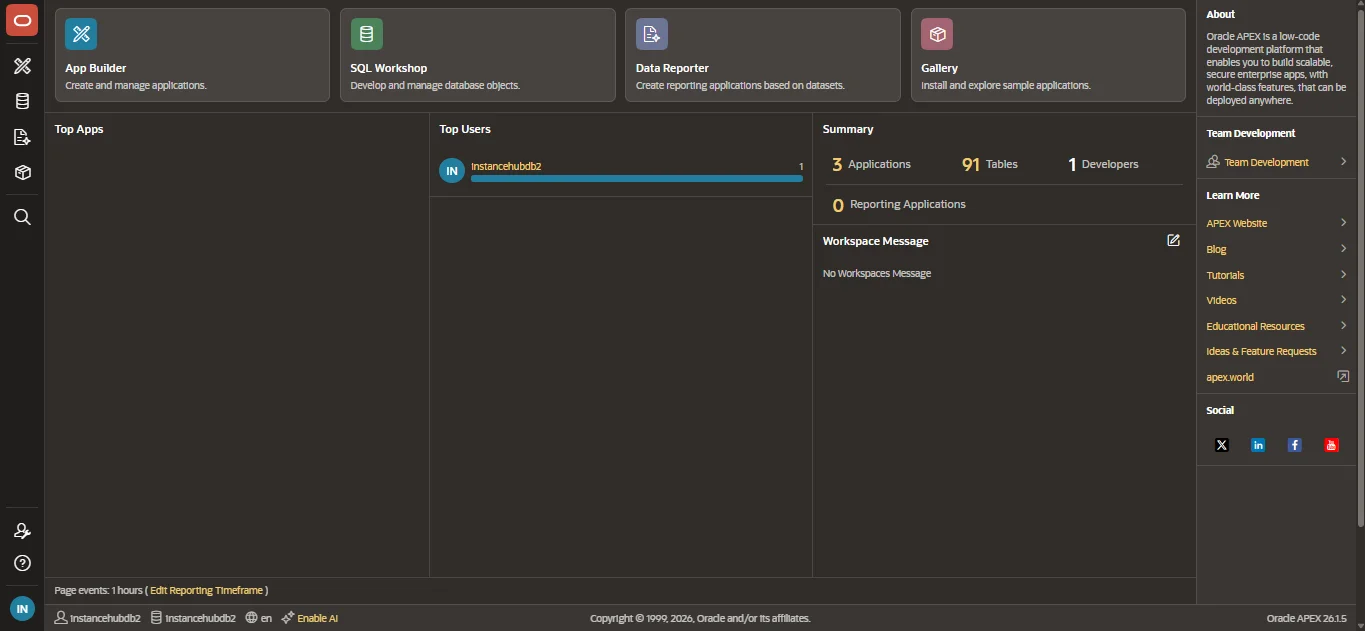
The workspace is where the day-to-day building happens:
- App Builder - create applications: pages, forms, reports, charts and the navigation between them
- SQL Workshop - create and change tables, run SQL and PL/SQL, and browse the objects your apps use
- Data Reporter - build reporting applications on top of datasets
- Gallery - install sample applications and take them apart to see how they are put together
Installing a sample app from the Gallery and then changing it is one of the quickest ways to learn. You start from something that works and see what each change does.
Why admin access matters
A developer login lets you build inside a workspace someone else set up. Admin access lets you set up the workspaces yourself, which is a different and equally real part of the job.
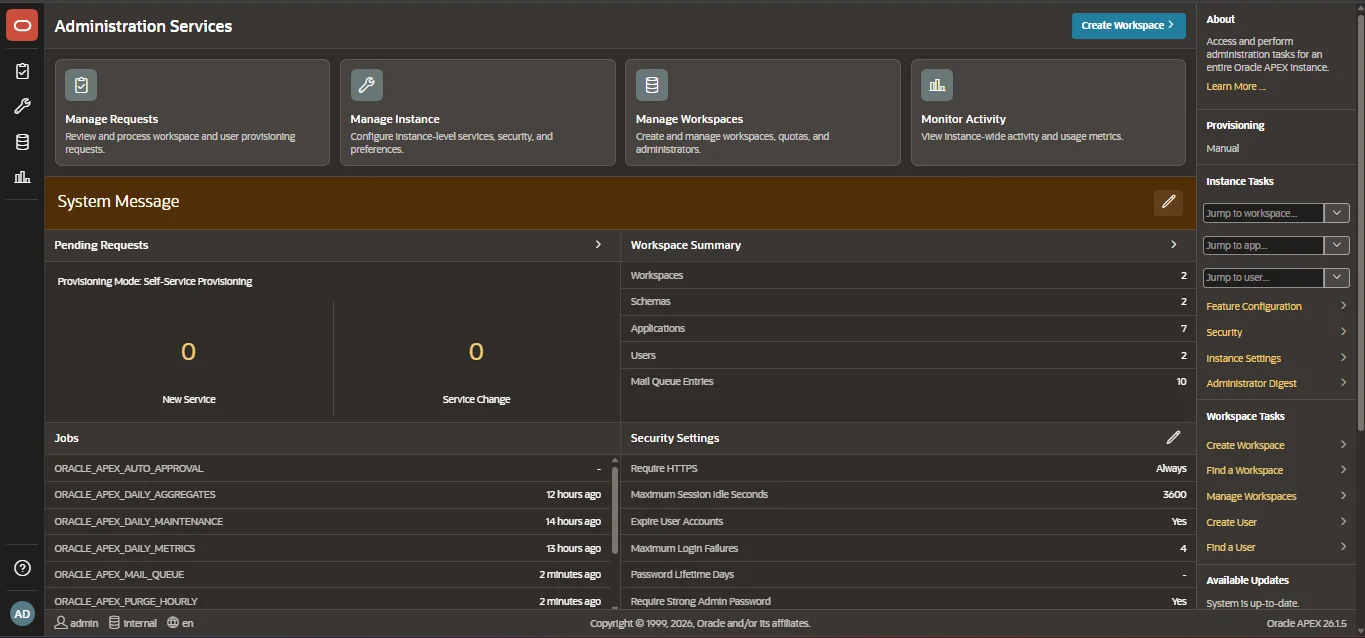
With it you can create and manage workspaces and their users, look at instance-wide security settings and activity, and see the jobs APEX runs in the background. If you are preparing for a role where you will look after APEX rather than only build in it, this is the part you cannot practise on a developer login.
Why the ATP database matters
Every APEX application is a front end on database tables. With your own ATP database you control the data model: you create the tables, load the data, write the PL/SQL, and see the result in your app straight away.
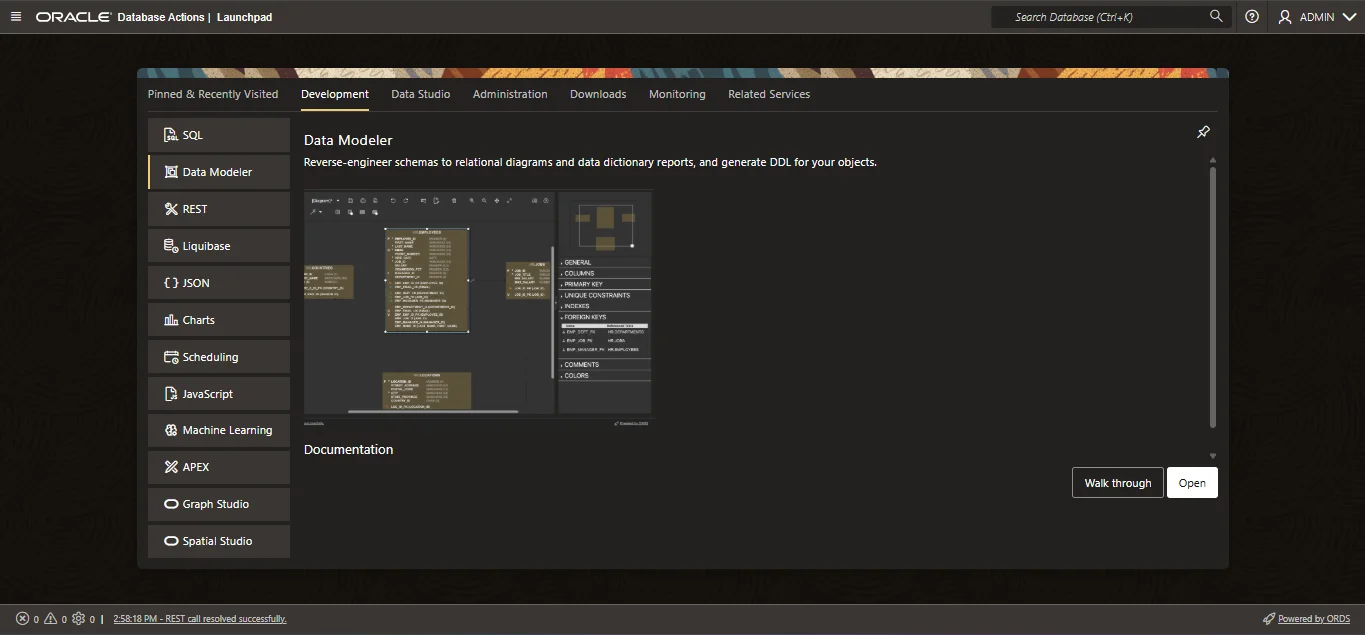
The database also has its own tools beyond APEX - an SQL worksheet, a data modeller, REST services - so the same plan covers database practice as well as application building.
Who it suits
- Developers learning APEX from scratch, or moving to it from Oracle Forms
- Anyone preparing for an APEX role who needs to practise administration as well as building
- Consultants who want somewhere to build a quick demo or proof of concept for a client
- Oracle Integration Cloud learners who want an application front end on a database of their own
How long to take it for
The plan page lists the terms APEX is sold for, and the longer ones cost less per month. Building an application tends to take longer than people expect, so if you are working towards something rather than trying APEX out, a longer term usually fits better.
Questions people ask
Do I need my own Oracle Cloud account?
No. The environment is ours and you get login details to it. There is nothing for you to set up or license.
Is it the latest version of APEX?
Yes. The plan comes with the latest version of Oracle APEX.
Can I create my own workspaces and users?
Yes. The plan includes admin access to APEX, which is where workspaces and their users are created and managed.
Can I use the database outside APEX?
Yes. The ATP database has its own tools, including an SQL worksheet, alongside APEX.