Oracle Fusion Non-Refresh Test (without Security Console)
Oracle Fusion non-refresh test instance without security console.
Oracle instance access rented by the month for practice, training or client demos. Delivered instantly: your login details are on your dashboard as soon as payment is confirmed.
Pricing
One-time payment per period. Auto-renew is optional: turn it on from your dashboard once the access is running. Pick a term above to continue.
What is included
- Non-refresh test instance
- No security console
See inside the instance
Screens from our own instances. The data in them changes as it is used and refreshed. Click a screen to see it full size.
Around the application
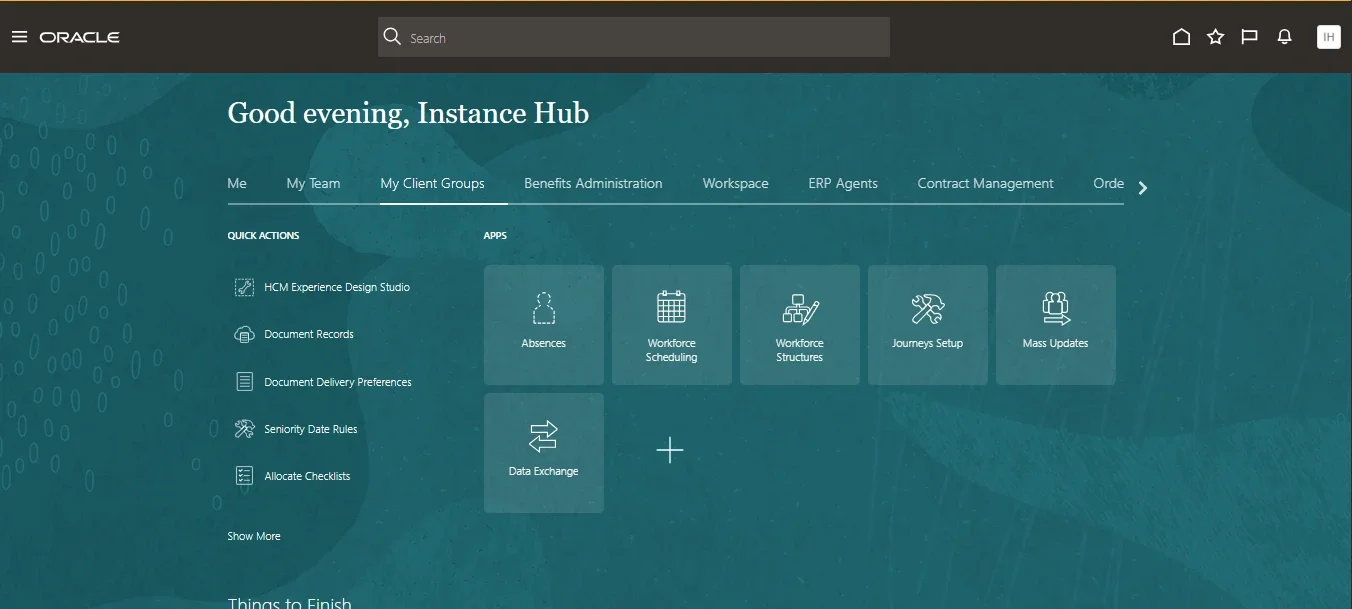
Home page
Where you land after login, with every work area a tab away.
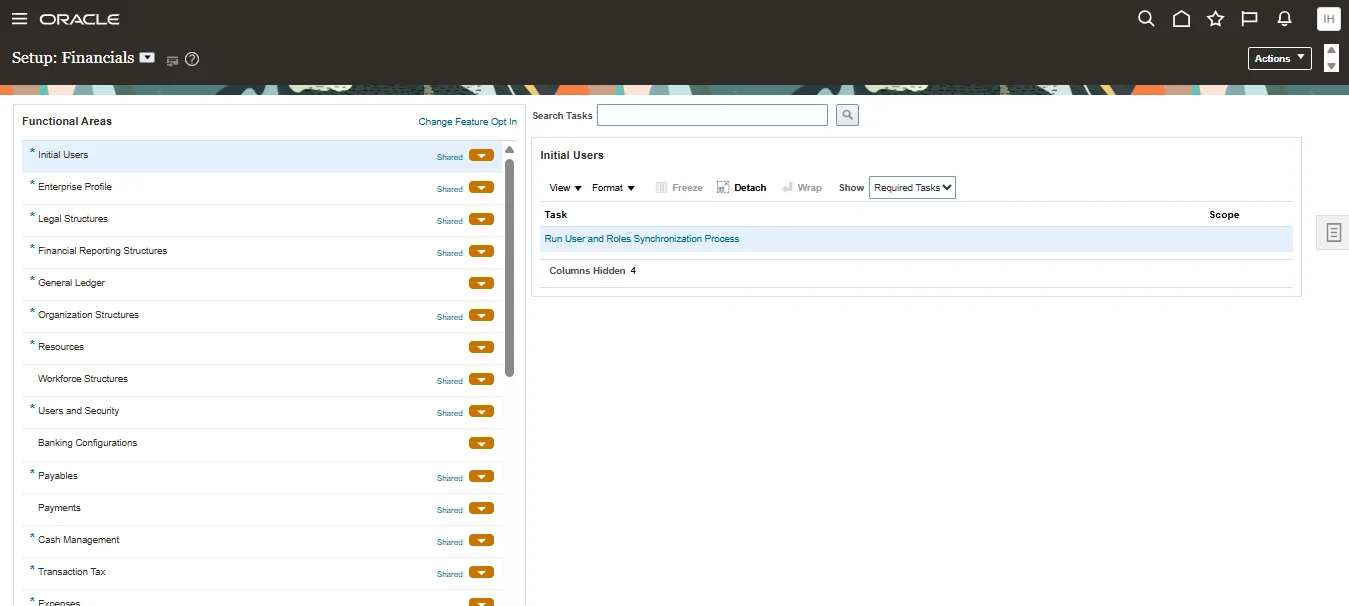
Setup and Maintenance
Configure Financials area by area, from enterprise structures to Payables and Cash Management.
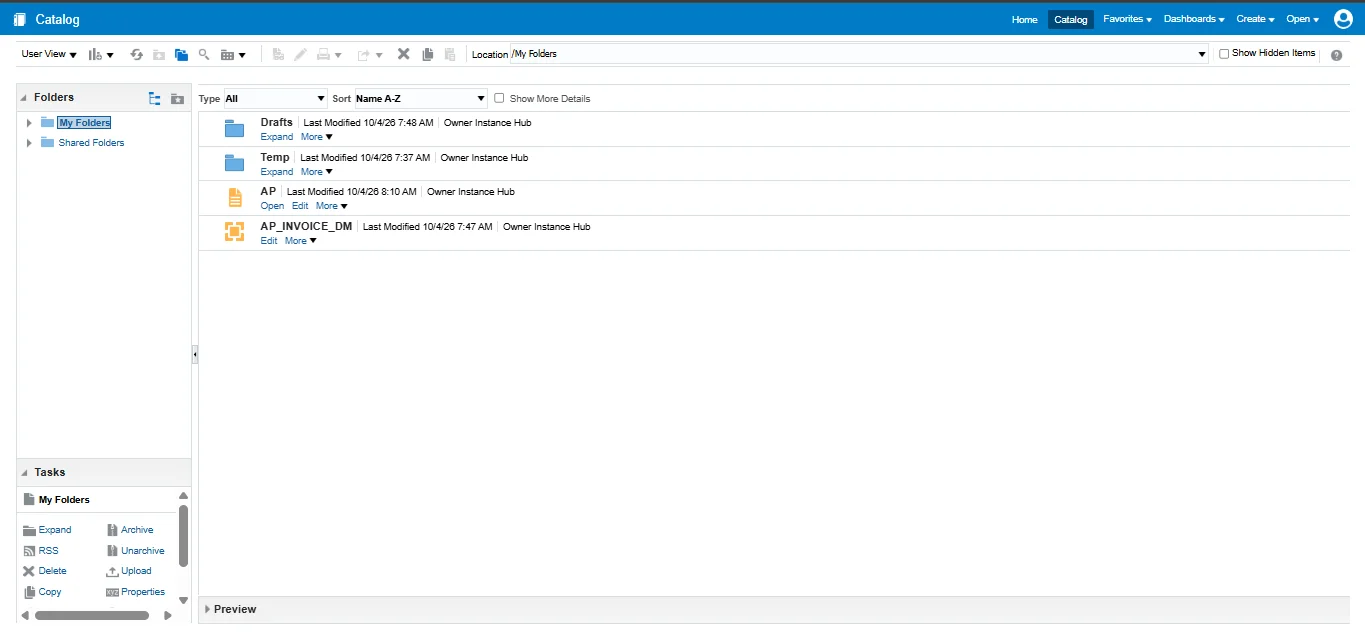
BI Report Catalog
Build data models and BI Publisher reports, like the AP invoice report here.
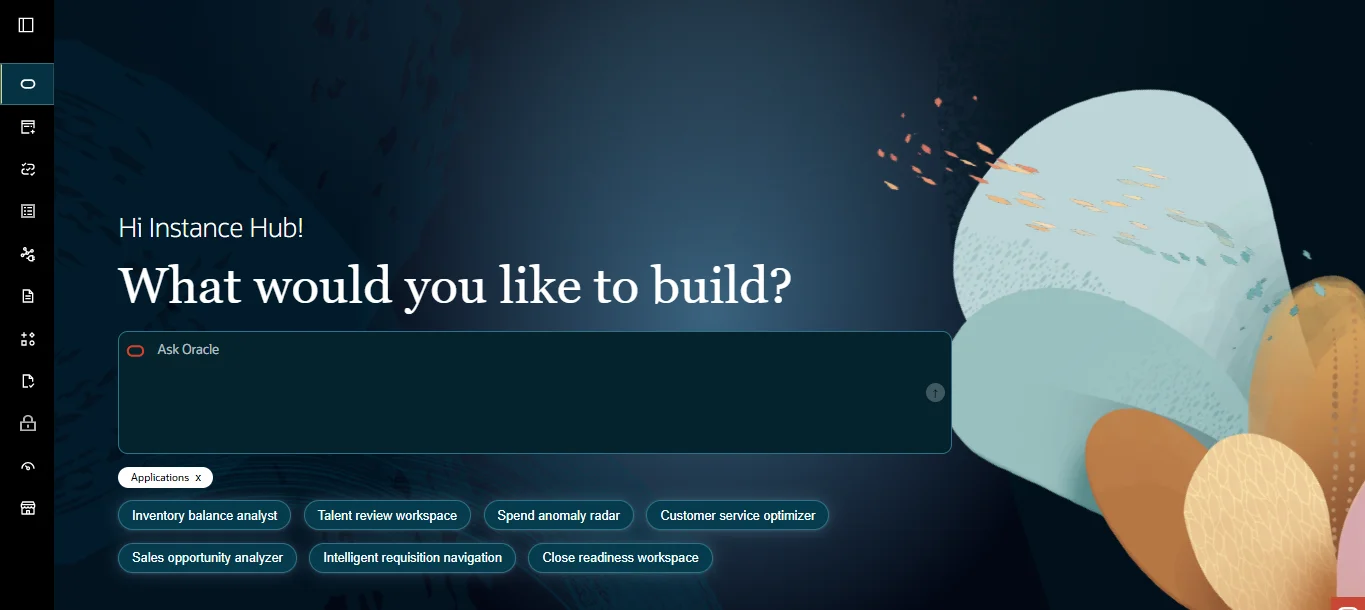
AI Agent Studio
Describe what you want and build AI agents on Fusion.
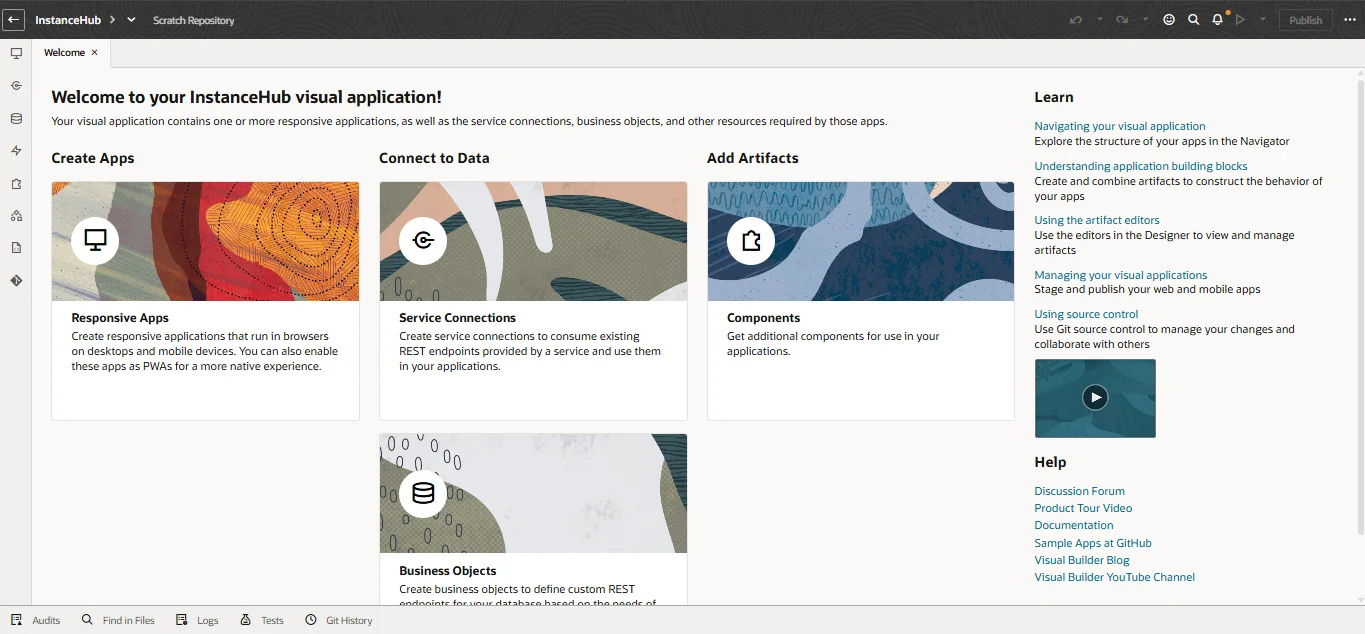
Visual Builder
Build your own apps, service connections and business objects.
Finance, with transactions to work on
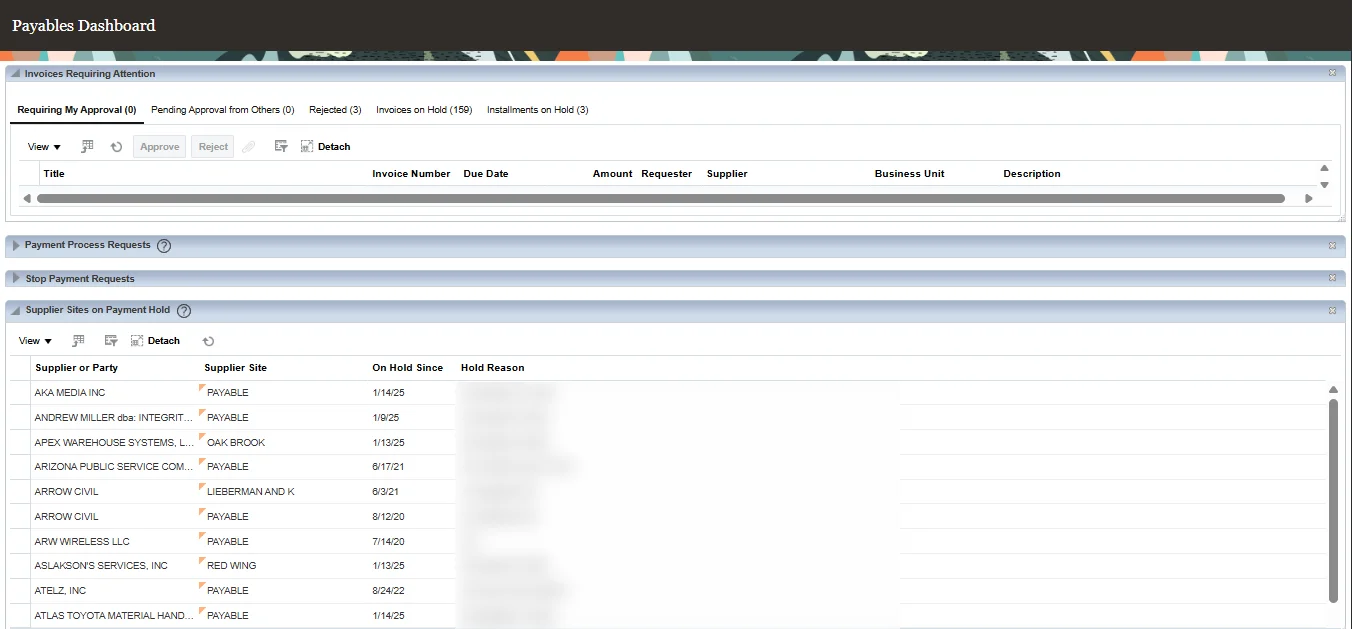
Payables dashboard
Invoices on hold and supplier sites on payment hold, ready to work through.
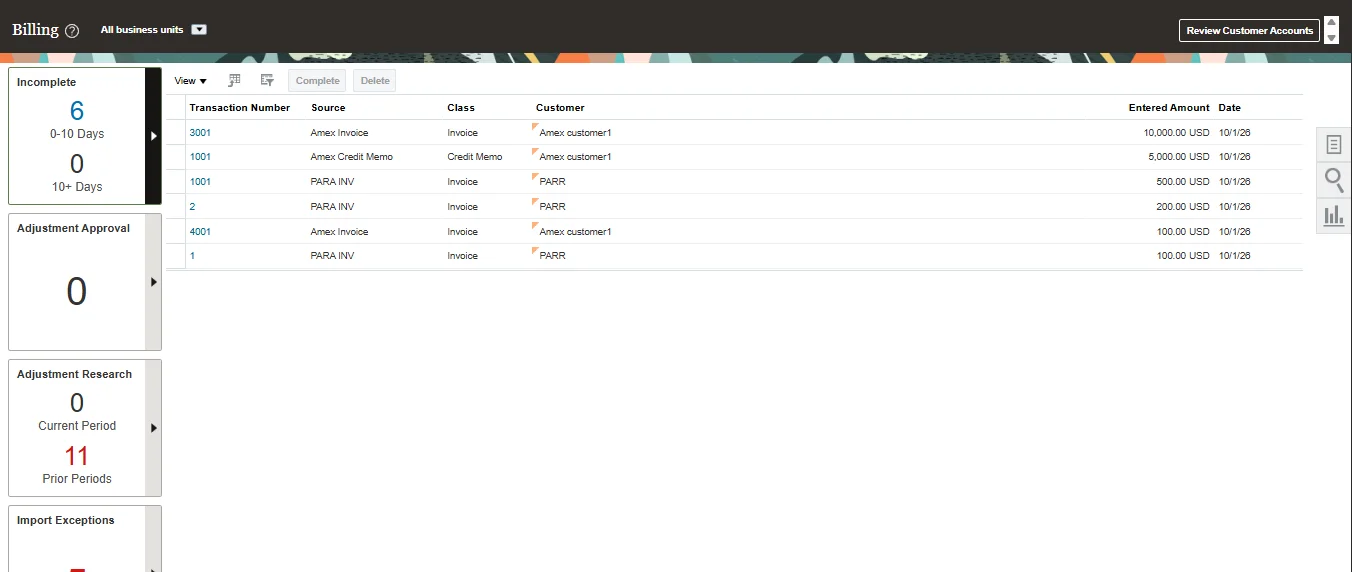
Receivables billing
Invoices, credit memos and adjustments to practise on.
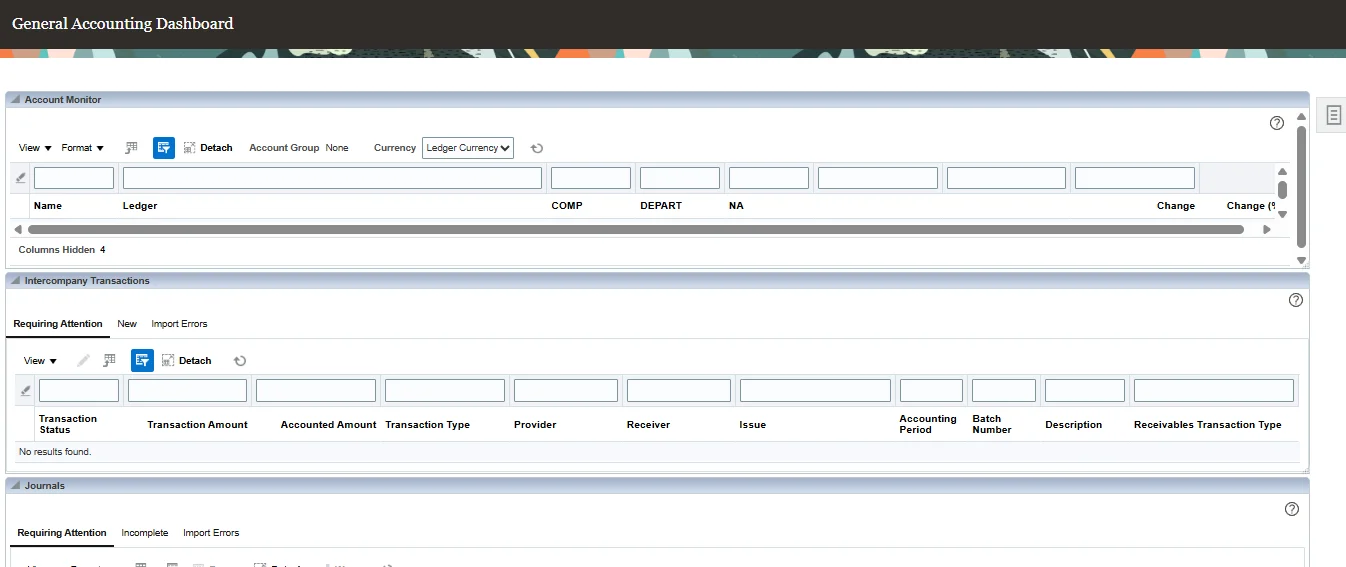
General Accounting dashboard
Account monitor, intercompany transactions and journals.
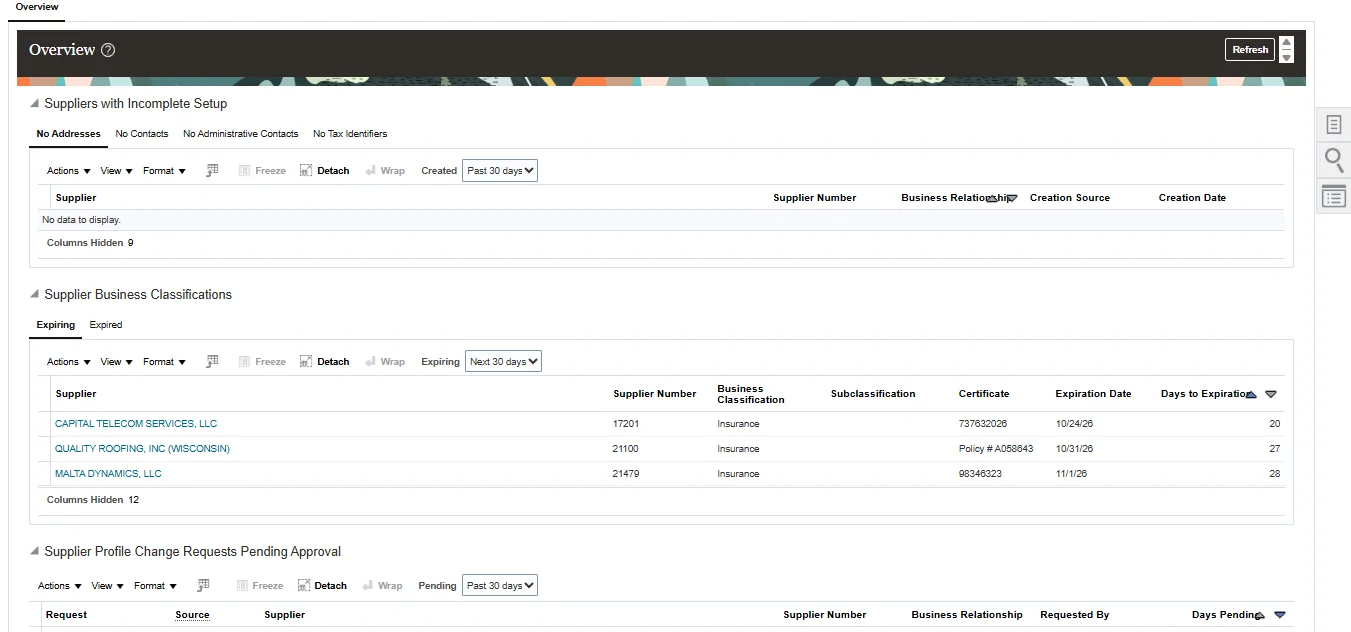
Supplier overview
Suppliers with business classifications and certificates in place.
How you get access
- 1Choose your billing period and pay by UPI, card or netbanking.
- 2Your access starts the moment the payment is confirmed - no waiting for approval.
- 3Your login details are on your dashboard straight away, and we email you to say it is ready.
Not sure this is the right one? Refresh or non-refresh - which one you need, or read all the guides.