If you are learning Oracle Fusion, the hard part is rarely the learning. It is getting a live environment to learn in. Oracle does not sell a small practice instance to an individual, and a trial expires long before you are competent.
Renting one solves that. You get credentials to a working Fusion environment for a fixed term, with no contract and no cloud account of your own to manage.
Your options
There are four realistic ways to get your hands on Oracle Fusion:
- Oracle's free cloud tier. It is generous, but it covers Oracle Cloud Infrastructure - compute, storage, databases - with a 30-day trial credit on top. Fusion applications are not part of it.
- Oracle's own training. Oracle MyLearn has free courses and paid subscriptions with hands-on labs. Check what environment a subscription gives you before relying on it for open-ended practice.
- Your employer or a client project. The best environment there is, if you already have the job. It is the access most learners are trying to get to.
- A training institute or a rented instance. Institutes often bundle an instance with a course. Renting one on its own, as we do, suits you if you are learning from your own material or already have a trainer.
Step by step
- Pick refresh or non-refresh. Refresh resets to clean data every 10 days; non-refresh keeps your work for the whole term. The refresh or non-refresh guide helps you decide.
- Decide on Security Console. You only need it to create users and assign roles - see whether you need Security Console.
- Choose a term and pay. UPI, card or netbanking through Razorpay. There is no subscription.
- Get your login details. They appear on your dashboard - straight away for plans marked Instant delivery, or once a person has activated your order - and stay there for the whole term.
The Oracle Fusion instance access page lists every Fusion plan with its current prices.
What you get
- Access to a live Oracle Fusion environment, by credentials sent to your email
- A fixed term - the plans page shows which terms each plan comes in - with the longer terms costing less per month
- A choice of refresh or non-refresh, depending on whether your data needs to survive
- Optional Security Console access if you need to create users and assign roles
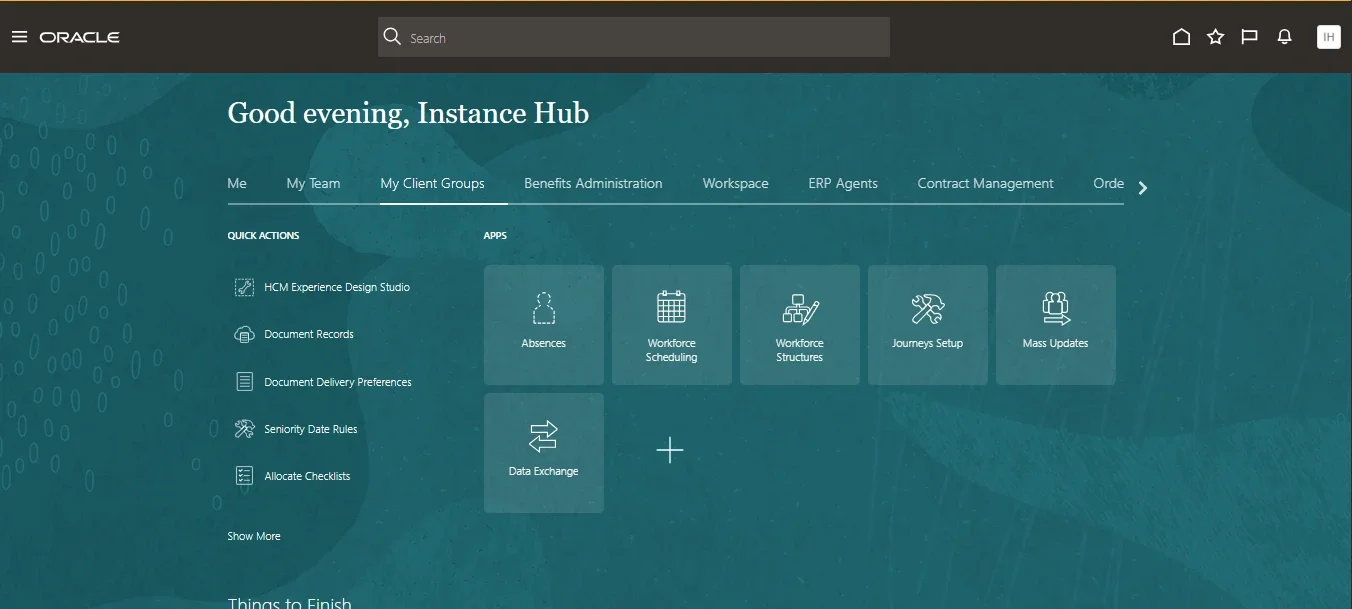
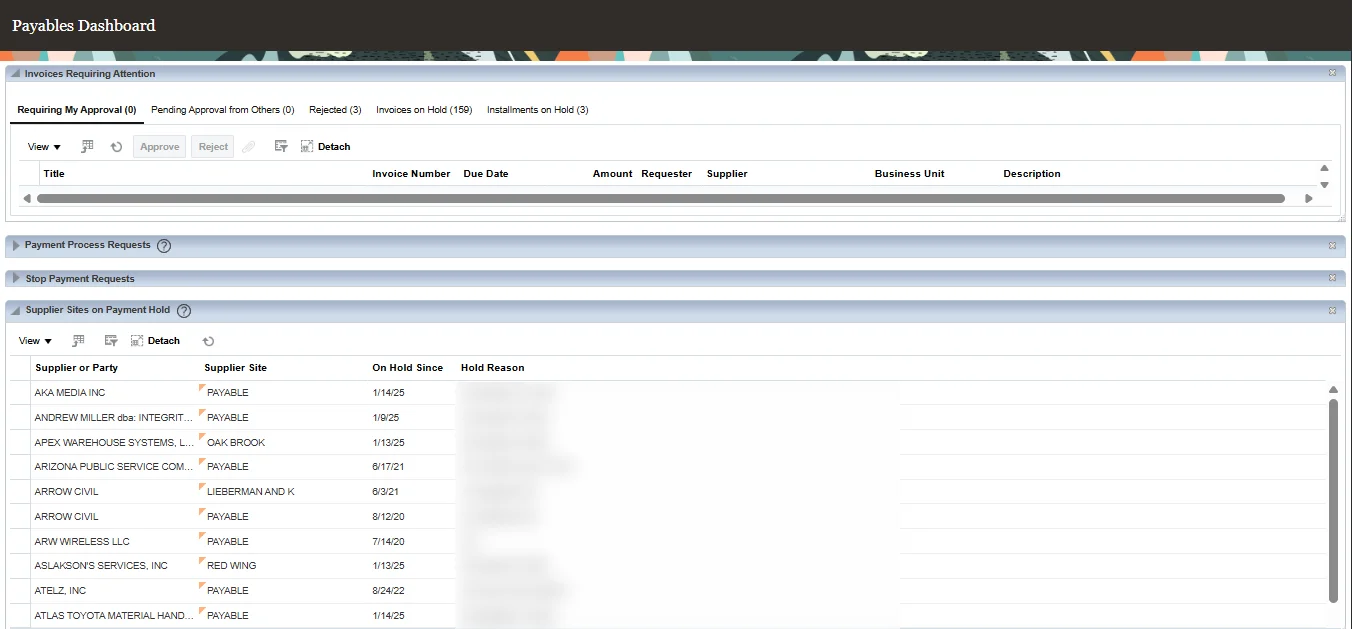
It is a working environment with data in it, not an empty shell. The Payables dashboard on the same instance has invoices on hold and supplier sites on payment hold to work through:
How long it takes
Plans marked Instant delivery on the plans page are ready the moment your payment is confirmed: your login details appear on your dashboard straight away.
Every other order is reviewed by a person before access is granted. In practice credentials usually arrive within a few working hours during our support hours, Monday to Saturday, 10:00 to 19:00 IST. Ordering late on Saturday evening means Monday. We check those by hand deliberately - it is how we avoid giving an environment to the wrong person.
What it costs
Prices depend on the plan and the term. There is no subscription and nothing auto-renews: when a term ends, access simply stops. If you want to continue you renew deliberately, and renewing on time holds the price you originally paid on most plans - the help centre names any that do not.
Which plan to start with
It comes down mostly to whether your data needs to survive, which the refresh or non-refresh guide walks through. Whichever you choose, the shortest term a plan is sold for is the cheapest way to find out whether it suits how you work.
Questions people ask
Do I need my own Oracle account or licence?
No. You get credentials to an environment we provide. There is nothing for you to set up or license.
How quickly will I get access?
Straight away for plans marked Instant delivery. For every other plan, usually within a few working hours during Monday to Saturday, 10:00 to 19:00 IST, because a person checks the order first.
Does it renew automatically?
No. Nothing auto-renews and there is no recurring charge to cancel. When the term ends, access stops unless you choose to renew.
Can I pay from outside India?
Prices are set in US dollars as well as rupees. Card payment in dollars is not available at the moment - our payment provider has not yet enabled international cards on the account. Email support before you order and we will arrange it.